Software & Programming: A Beginner’s Guide
Software is part of almost everything we use today — smartphones, websites, banking applications, streaming platforms, business systems and artificial intelligence tools.
But what exactly is software? How is it created? What role does programming play? And how can a beginner start learning it?
This guide explains the fundamentals of software and programming in simple terms and provides a practical starting point for anyone interested in technology or software development.
Software & Programming: A Beginner’s Guide
Software powers the digital products and services we use every day. From mobile applications and websites to business platforms and AI systems, software allows computers and other devices to perform specific tasks.
Programming is one of the fundamental skills used to create this software.
Understanding the relationship between software, programming, programming languages and development tools can help beginners build a strong foundation in technology.
What Is Software?
Software is a collection of instructions that tells a computer or digital device what to do.
Unlike hardware, which refers to physical components such as processors, memory and screens, software is the digital layer that operates on those components.
Examples include:
Mobile applications
Websites and web applications
Operating systems
Business applications
Games
Database systems
AI applications
Productivity tools
For example, when you open a banking application and check your account balance, software processes your request and communicates with the bank's systems to retrieve the information.
What Is Programming?
Programming is the process of writing instructions that computers can understand and execute.
Programmers use programming languages to create these instructions.
A simple example is:
Ask the user for their name
Store the name
Display a welcome message
A programmer would translate this logic into a programming language that a computer can execute.
Programming is therefore one of the key activities involved in creating software.
How Is Software Built?
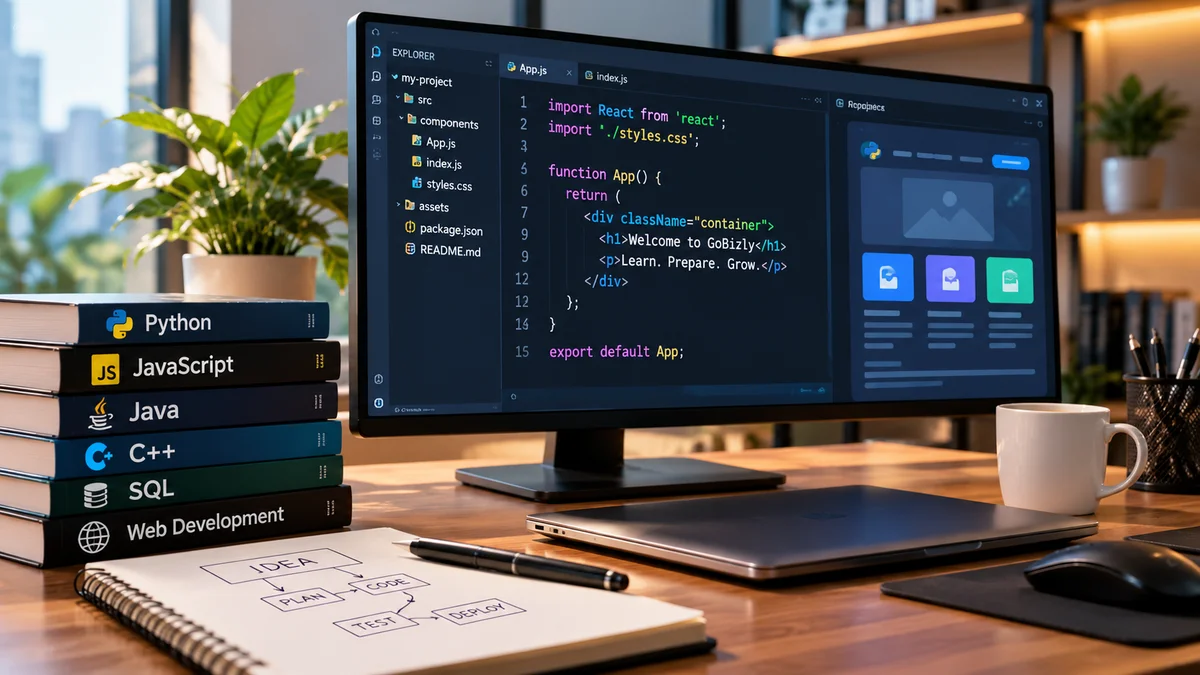
Software development usually involves several stages.
1. Planning
Developers first understand what problem the software needs to solve.
For example:
A company wants an application that allows customers to book appointments online.
The development team identifies the requirements and expected functionality.
2. Designing
The team decides how the application should work and how users will interact with it.
This can include:
User interface design
Database design
System architecture
User journeys
Technical requirements
3. Programming
Developers write the code required to implement the planned features.
Different programming languages and frameworks may be used depending on the project.
4. Testing
The software is tested to identify bugs, errors and unexpected behavior.
Testing helps ensure that the application works correctly.
5. Deployment
Once the software is ready, it is made available to users.
For a website, this could mean deploying it to a server or cloud platform.
6. Maintenance
Software often continues to evolve after launch.
Developers may:
Fix bugs
Improve performance
Add features
Improve security
Update dependencies
What Are Programming Languages?
Programming languages provide a structured way for humans to give instructions to computers.
Different languages are commonly used for different purposes.
Python
Python is known for its relatively simple syntax and is widely used for:
Automation
Data analysis
Artificial intelligence
Machine learning
Web development
It is also a popular choice for beginners.
JavaScript
JavaScript is one of the core technologies used to create interactive websites.
It is also used for:
Web applications
Backend development
Mobile applications
Server-side applications
Java
Java is widely used in enterprise software, backend systems and Android development.
C++
C++ is commonly used where performance is important, including systems software, games and other high-performance applications.
C
C is widely used in systems programming, embedded systems and operating-system-related development.
SQL
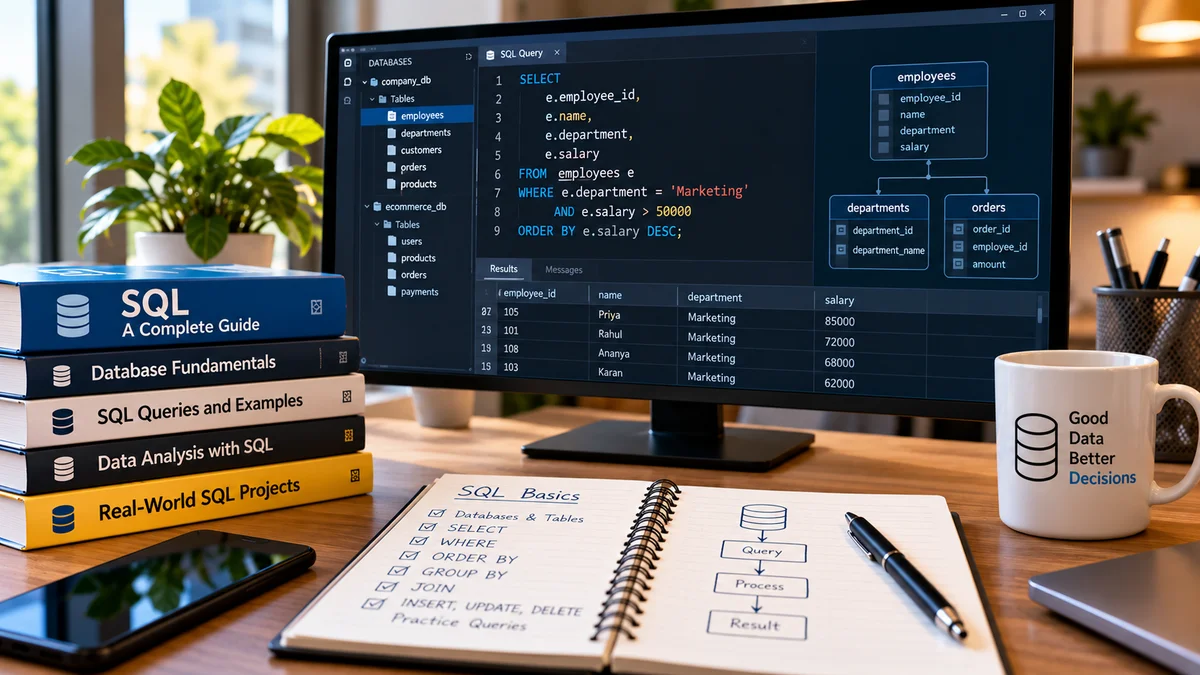
SQL is primarily used to work with relational databases.
For example, a business application may use SQL to retrieve customer or transaction information from a database.
What Is a Programming Language Used For?
Different programming languages can be used to solve different types of problems.
Technology | Common Uses |
|---|---|
Python | AI, automation, data, web development |
JavaScript | Websites and web applications |
Java | Enterprise applications and backend systems |
C++ | Games, systems and performance-intensive software |
C | Systems and embedded programming |
SQL | Database queries and data management |
The important thing for beginners is not to learn every language.
It is better to choose one language and build a strong foundation first.
What Are Frameworks and Libraries?
Beginners often encounter terms such as frameworks and libraries.
They are related to programming but are not the same thing as programming languages.
Libraries
A library is a collection of reusable code that developers can use in their applications.
For example, a developer can use an existing library rather than writing every function from scratch.
Frameworks
A framework provides a structure for building applications.
Examples include:
React
Django
Angular
Spring
Laravel
Frameworks can help developers build applications more efficiently by providing established structures and tools.
What Is Software Development?
Software development is the broader process of creating and maintaining software.
Programming is an important part of software development, but software development involves much more.
It can include:
Planning
Requirements gathering
Design
Programming
Testing
Deployment
Security
Documentation
Maintenance
This is why professional software development is usually a team activity rather than simply writing code.
Frontend vs Backend
If you are interested in web development, you will frequently hear the terms frontend and backend.
Frontend
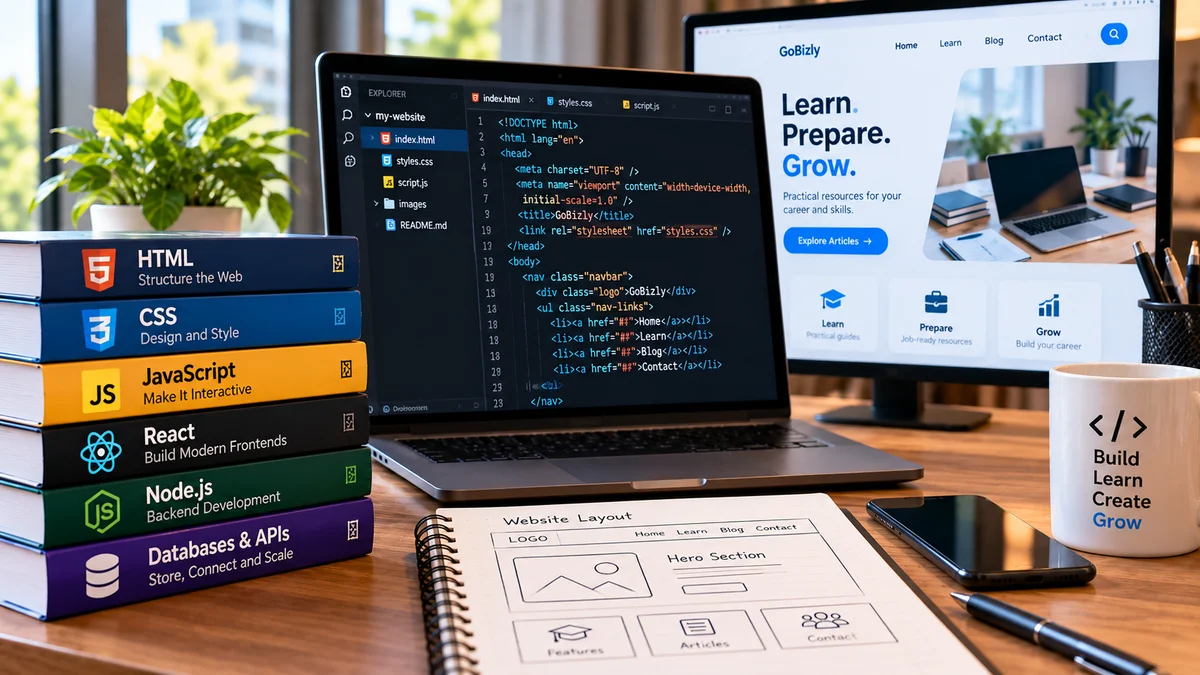
Frontend development focuses on what users see and interact with.
Examples include:
Buttons
Menus
Forms
Web pages
Navigation
Visual interfaces
Common technologies include HTML, CSS and JavaScript.
Backend
Backend development focuses on the systems running behind the interface.
It can handle:
Databases
User authentication
Business logic
APIs
Data processing
Server operations
Python, Java, JavaScript, PHP and other technologies can be used for backend development.
What Is a Database?
A database is a system used to store and organize information.
For example, an e-commerce application might store:
Customer information
Products
Orders
Payments
Inventory
Applications communicate with databases to store and retrieve information.
Common database technologies include:
MySQL
PostgreSQL
Microsoft SQL Server
Oracle Database
MongoDB
What Are APIs?
An API, or Application Programming Interface, allows different software systems to communicate with each other.
For example, a weather application may use an API to request weather information from another service.
The basic process could look like:
Application → API Request → Server → API Response → Application
APIs are widely used in modern software because applications frequently need to communicate with other systems.
What Tools Do Programmers Use?
Programming involves more than just writing code.
Developers commonly use tools such as:
Code Editors
Used to write and edit code.
Examples include:
Visual Studio Code
Sublime Text
Notepad++
Version Control
Tools such as Git help developers track changes to their code.
GitHub and GitLab are commonly used to store and collaborate on code repositories.
Development Environments
Developers may use integrated development environments (IDEs) that combine coding, debugging and other development features.
What Skills Do You Need to Learn Programming?
You don't need to be an expert in mathematics or technology to start programming.
Useful skills include:
Logical Thinking
Programming involves breaking problems into smaller steps.
Problem Solving
You need to identify problems and determine possible solutions.
Patience
Code does not always work on the first attempt. Debugging is an important part of development.
Curiosity
Technology changes constantly, so developers need to keep learning.
Practice
Programming becomes easier through regular practice and building projects.
How Should a Beginner Start Programming?
You don't need to learn everything at once.
A practical path is:
Step 1: Choose One Language
Python is a good starting point for many beginners because its syntax is relatively easy to understand.
Step 2: Learn the Fundamentals
Start with:
Variables
Data types
Operators
Conditions
Loops
Functions
Lists
Dictionaries
Basic error handling
Step 3: Practice Small Problems
Write small programs rather than only watching tutorials.
For example:
Calculator
Number guessing game
To-do list
Simple expense tracker
Basic quiz application
Step 4: Build Projects
Projects help you apply what you learn.
Step 5: Learn Git
Understanding version control becomes increasingly useful as your projects become larger.
Step 6: Explore a Specialization
Once you understand the basics, you can explore areas such as:
Web development
Data analytics
Artificial intelligence
Cybersecurity
Automation
Mobile development
Cloud computing
Do You Need to Learn Multiple Programming Languages?
No.
Beginners often make the mistake of trying to learn Python, Java, C++, JavaScript and several other technologies simultaneously.
This can make learning confusing.
A better approach is:
One language → Fundamentals → Projects → Specialization → Additional technologies
Once you understand programming concepts, learning another language becomes easier.
Software vs Programming
Software and programming are related, but they are not the same thing.
Software is the finished digital product or system.
Programming is one of the processes used to create that software.
For example:
A mobile banking application is software.
Writing Java or Kotlin code to build part of that application is programming.
Why Learn Software & Programming?
Understanding software and programming can be useful even if you don't plan to become a professional developer.
It can help you:
Understand technology better
Automate repetitive tasks
Work more effectively with technical teams
Analyze data
Build websites and applications
Explore AI and machine learning
Improve problem-solving skills
Open new career opportunities
Programming knowledge is increasingly useful across many technology-related careers.
Final Thoughts
Software is behind much of the technology we use every day, while programming provides the instructions that make software work.
You don't need to understand every programming language or technology to get started.
Begin with one language, learn the fundamentals, practice regularly and build small projects. As your understanding grows, you can explore areas such as web development, data, AI, cybersecurity and cloud computing.
The goal isn't to learn everything. It's to build a strong foundation and keep applying what you learn.