How to Create a Professional Resume: A Practical Guide
How to Create a Professional Resume: A Practical Guide
A resume is often one of the first things an employer reviews when considering a candidate. It should make your experience, skills and qualifications easy to understand while showing how they relate to the role you are applying for.
Creating a good resume is not simply about adding as much information as possible. A useful resume should be clear, relevant, organized and tailored to the opportunity.
Whether you are a student, fresher, experienced professional or someone returning to work after a career break, this guide explains how to build a practical resume.
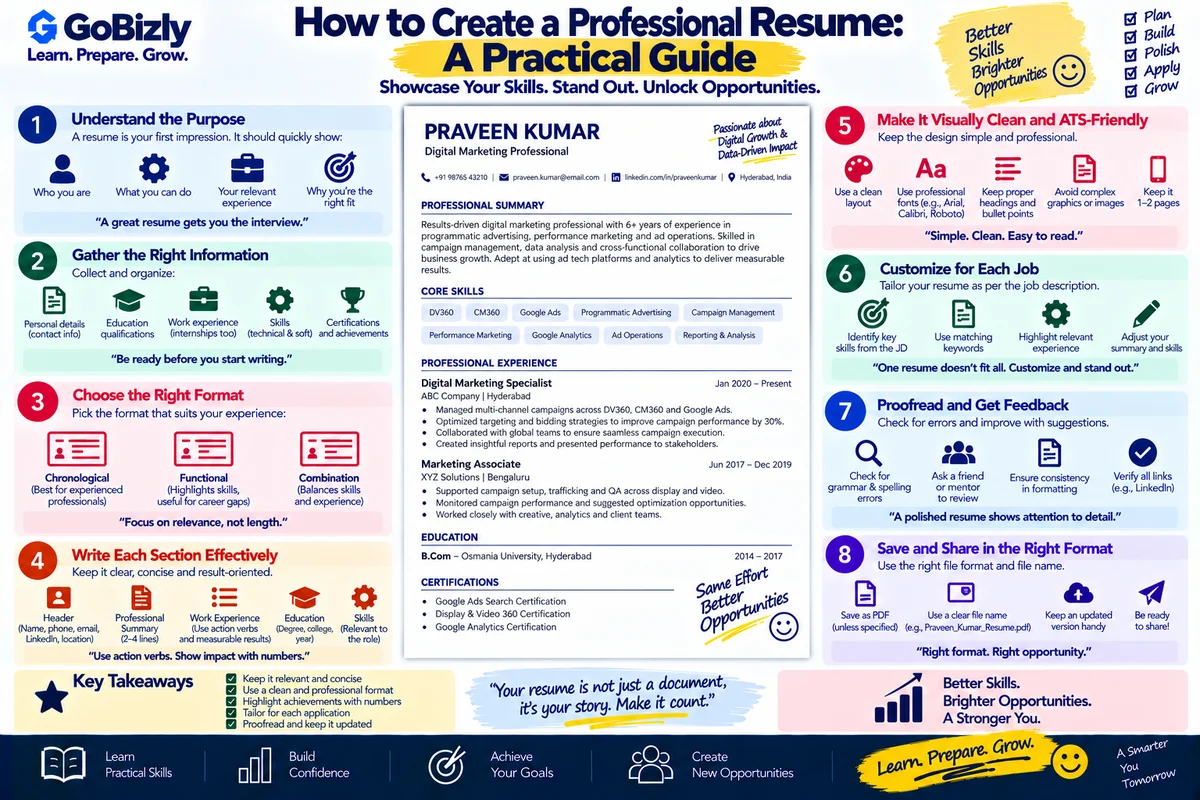
1. Understand the Purpose of Your Resume
The primary purpose of a resume is to present your professional background clearly enough for the recruiter or hiring team to understand your suitability for a role.
Your resume should help answer questions such as:
What experience do you have?
What skills do you possess?
What type of roles are you targeting?
What have you achieved?
What tools or technologies do you know?
What education or certifications do you have?
Think of your resume as a focused professional summary, not a complete history of everything you have ever done.
2. Choose a Clear Resume Structure
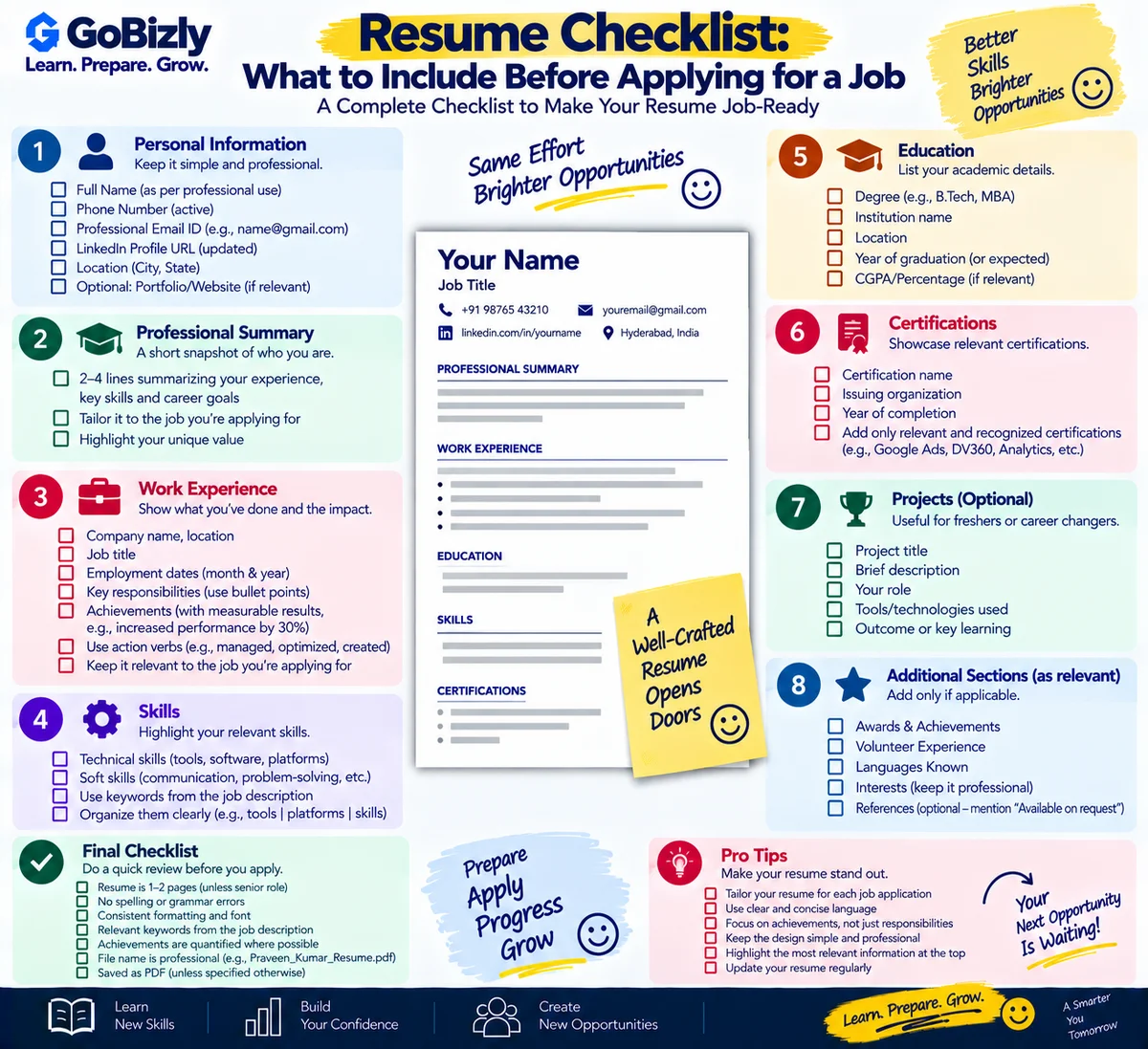
A typical professional resume can include:
Name and contact information
Professional summary
Skills
Work experience
Projects
Education
Certifications
Additional relevant information
The exact structure can vary depending on your experience and target role.
For an experienced professional, work experience may be the most important section.
For a fresher, projects, education, internships and relevant skills may receive more attention.
3. Write a Strong Professional Summary
Your summary should quickly explain:
Your professional background
Your key skills
Your area of expertise
The type of opportunity you are targeting
Avoid generic statements such as:
"Hardworking and passionate individual looking for a challenging position."
Instead, communicate something specific about your professional profile.
For example:
Digital marketing professional with experience across campaign operations, paid advertising, analytics and programmatic platforms, with a focus on campaign execution, optimization and reporting.
The summary should reflect your actual experience.
4. Focus on Achievements, Not Just Responsibilities
One common resume problem is listing responsibilities without explaining the work performed.
Instead of:
Responsible for campaign management.
You can provide more useful information by explaining:
What campaigns you managed
Which platforms you used
What processes you handled
What type of reporting you performed
What business objective you supported
For example:
Managed digital advertising campaigns across multiple platforms, supporting campaign setup, trafficking, monitoring, pacing and performance reporting.
The goal is to provide evidence of your work, not simply a list of job duties.
5. Use Action-Oriented Resume Bullets
Start bullets with clear action words where appropriate.
Examples:
Managed
Analyzed
Optimized
Implemented
Coordinated
Developed
Monitored
Created
Executed
Supported
Improved
Reported
However, don't use impressive-sounding verbs unless they accurately describe what you actually did.
6. Tailor Your Resume to the Job
A single generic resume may not communicate your relevance effectively for every position.
Review the job description and identify:
Required skills
What technical or professional skills are requested?
Tools
Which platforms, software or technologies are mentioned?
Responsibilities
What would you actually be expected to do?
Keywords
Which terms appear repeatedly?
Then make sure your resume accurately reflects relevant experience.
For example, if a job requires:
Campaign management
Google Ads
Reporting
Analytics
and you genuinely have experience with those areas, make them visible in the appropriate sections.
7. Keep Your Skills Section Relevant
Don't create a huge list of every tool you have ever encountered.
Group relevant skills logically.
For example:
Advertising Platforms:
Google Ads, Meta Ads, DV360
Analytics & Measurement:
GA4, Google Analytics
Ad Operations:
CM360, Campaign Trafficking, Campaign QA
Professional Skills:
Reporting, Communication, Stakeholder Coordination
Only include skills you can comfortably discuss during an interview.
8. Include Projects When They Add Value
Projects can strengthen a resume, especially for:
Students
Freshers
Career changers
Candidates transitioning into a new field
A project description can include:
Project: Website SEO Improvement
Objective: Improve organic search visibility.
Work: Conducted keyword research, reviewed on-page elements and identified content optimization opportunities.
Tools: Google Search Console, Google Analytics.
Projects should represent genuine work. Avoid presenting hypothetical exercises as professional client work.
9. Include Certifications Strategically
Certifications can demonstrate structured learning.
Examples may include certifications in:
Google Ads
Analytics
Programmatic advertising
HubSpot
Microsoft technologies
Cloud platforms
Professional tools
Prioritize certifications relevant to the role.
Don't allow a long certification list to overshadow your actual experience.
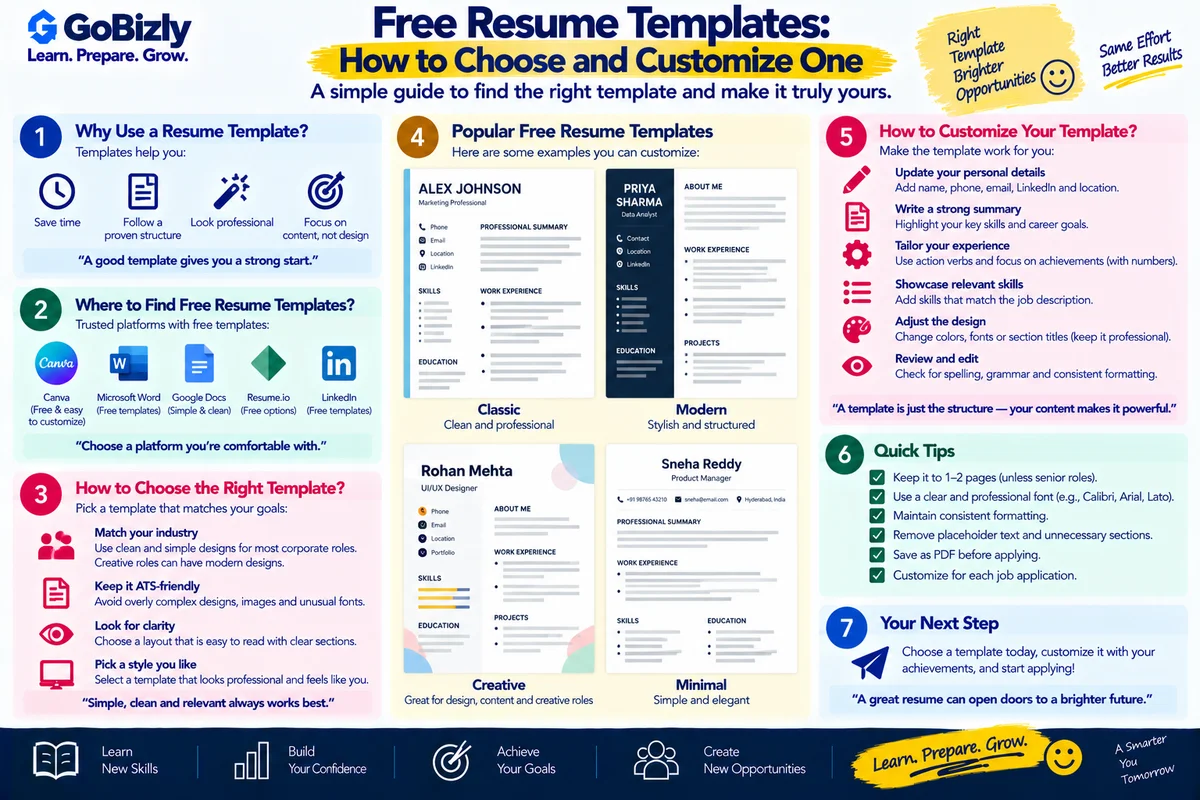
10. Keep Formatting Simple
A professional resume does not need excessive visual design.
Use:
Clear headings
Consistent spacing
Readable fonts
Consistent bullet formatting
Logical section order
Easy-to-scan content
Avoid unnecessary:
Graphics
Large icons
Excessive colors
Decorative elements
Long paragraphs
Complicated tables
Your content should remain the focus.
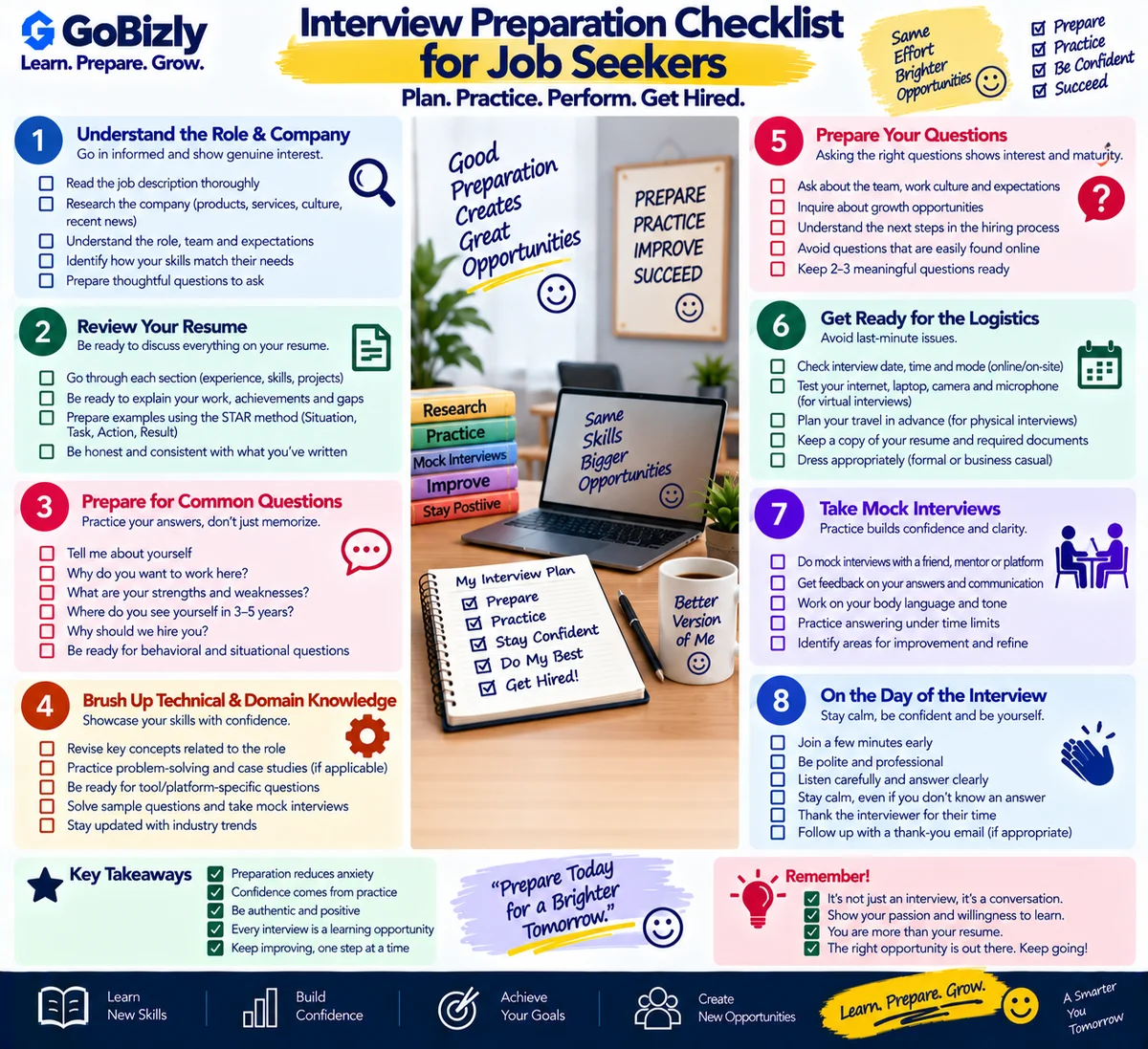
11. Review Your Resume for Errors
Before submitting your resume, check:
Spelling
Grammar
Dates
Job titles
Company names
Email address
Phone number
Formatting
Duplicate information
Inconsistent punctuation
Also verify that your resume does not contain claims you cannot support.
12. Maintain Different Resume Versions
You don't necessarily need to create a completely different resume for every application.
Instead, maintain a master resume and create targeted versions.
For example:
Master Resume
Contains your complete professional background.
Digital Marketing Resume
Focuses on advertising, analytics and marketing skills.
Programmatic Resume
Focuses on DSPs, ad operations, trafficking and campaign management.
Ad Operations Resume
Focuses on trafficking, QA, troubleshooting and campaign operations.
This makes customization easier.
Practical Resume Checklist
Clear name and contact information
Relevant professional summary
Role-specific skills
Strong experience bullets
Relevant achievements
Projects where appropriate
Relevant certifications
Simple formatting
Correct dates and information
Job-description keywords where applicable
No unsupported claims
Proofread before submitting
Save an editable master version
Conclusion
A strong resume is not necessarily the longest resume.
It is a document that makes your relevant experience, skills and achievements easy to understand.
Keep it focused, tailor it to the role, use specific examples and make sure every important claim can be explained during an interview.
Learn. Prepare. Grow.