Free Resume Templates: How to Choose and Customize One
Free Resume Templates: How to Choose and Customize One
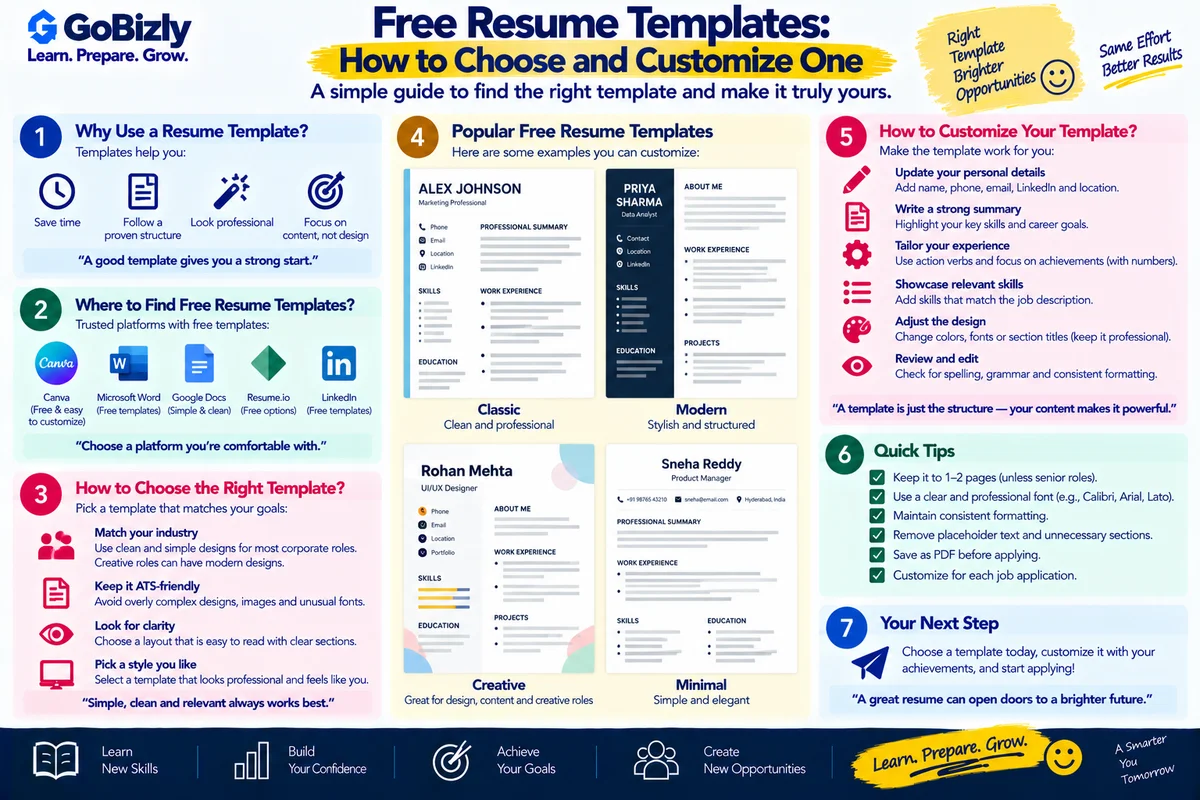
A resume template can save time by providing a ready-made structure for organizing your professional information.
However, a template should be treated as a starting point, not a finished resume.
The most attractive template is not necessarily the most suitable one. Your priority should be clarity, relevance and readability.
1. Choose a Template Based on Your Situation
Different candidates may need different structures.
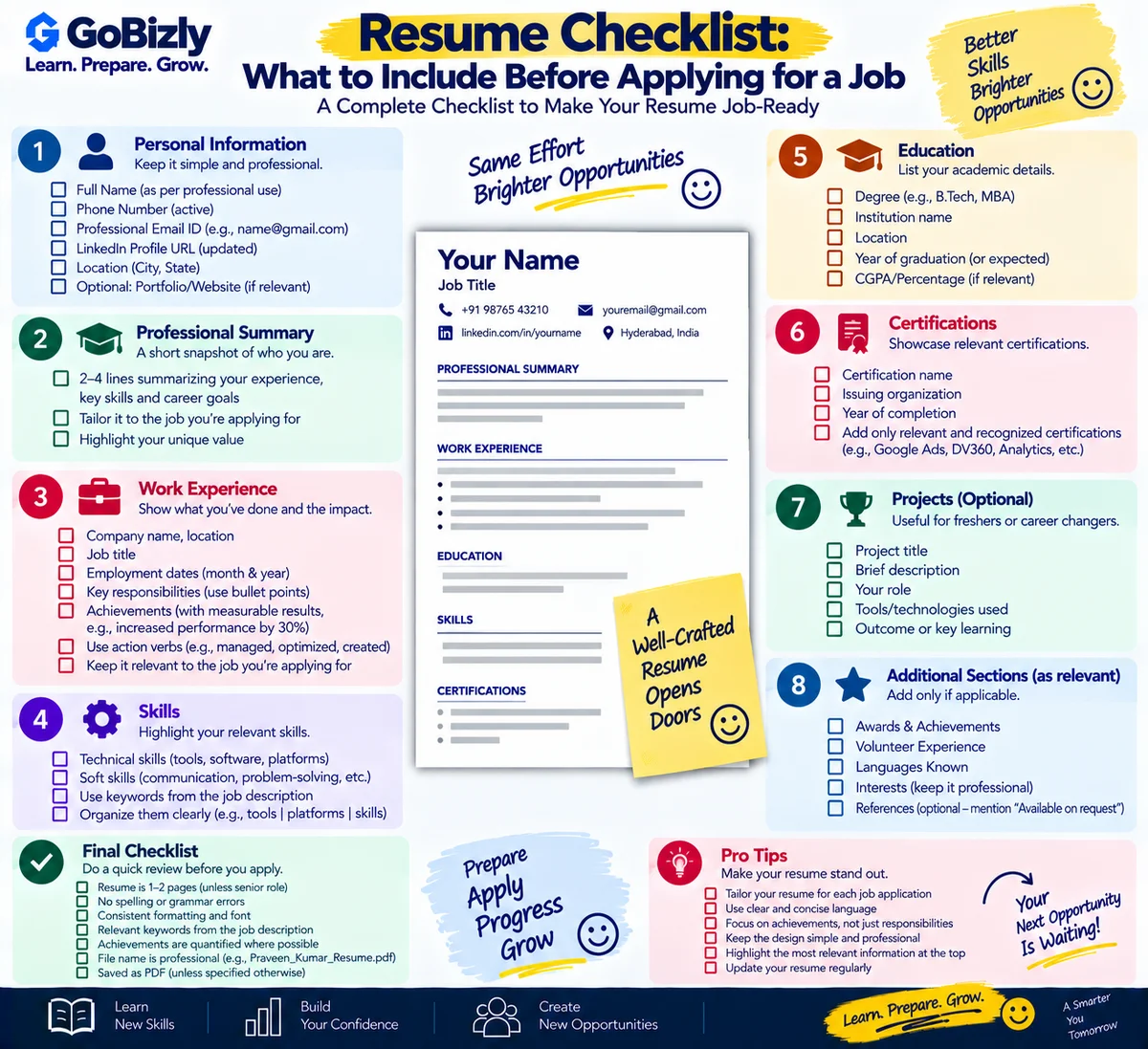
Students and Freshers
A template can emphasize:
Education
Projects
Internships
Skills
Certifications
Activities
Experienced Professionals
The structure may emphasize:
Professional summary
Work experience
Achievements
Technical skills
Certifications
Career Changers
You may want stronger emphasis on:
Transferable skills
Relevant projects
Certifications
New-domain skills
Choose a structure that supports your professional story.
2. Don't Choose a Template Only Because It Looks Good
Some templates contain:
Large profile photos
Skill bars
Excessive icons
Multiple columns
Decorative graphics
Large headings
These elements may take up space without communicating useful professional information.
A simpler template may provide more room for relevant experience.
3. Customize the Sections
Don't keep every section included in the template.
If the template contains:
Hobbies
but the information isn't relevant to the position, you may not need it.
Similarly, you can add sections such as:
Projects
Certifications
Technical skills
Publications
Portfolio
Volunteer experience
when they are genuinely relevant.
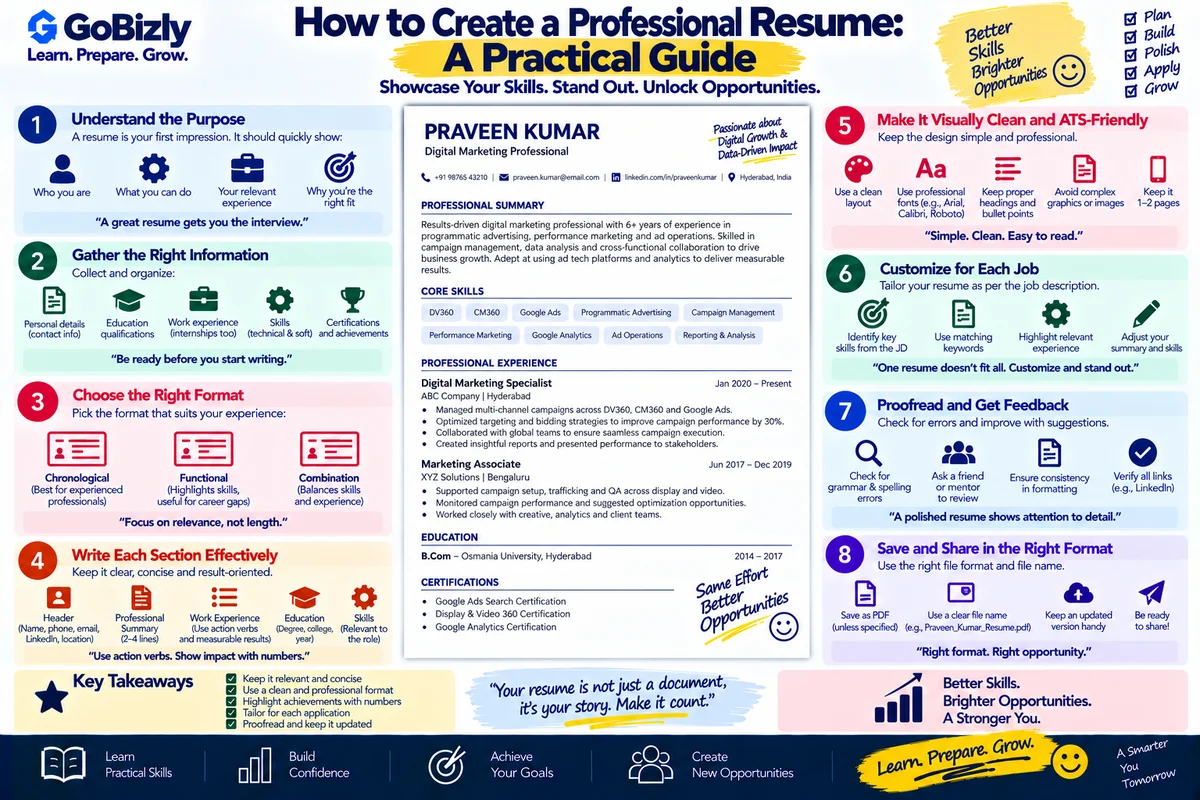
4. Replace Placeholder Content
Never leave template text such as:
Lorem ipsum
or:
Insert your information here.
Review the entire document before exporting it.
5. Customize Your Professional Summary
Don't copy the example summary provided with a template.
Write a summary based on:
Your experience
Your skills
Your target role
Your career direction
This is one of the most important areas to personalize.
6. Customize Your Experience
Template examples are usually generic.
Replace them with your actual experience.
Instead of copying:
Managed marketing activities.
describe your real responsibilities, tools, processes and contributions.
Your resume should represent your professional history, not the template designer's example.
7. Keep the Design Professional
A good resume template should make information easier to find.
Use design elements to establish hierarchy:
Name → Section → Role → Organization → Details
Avoid using design simply for decoration.
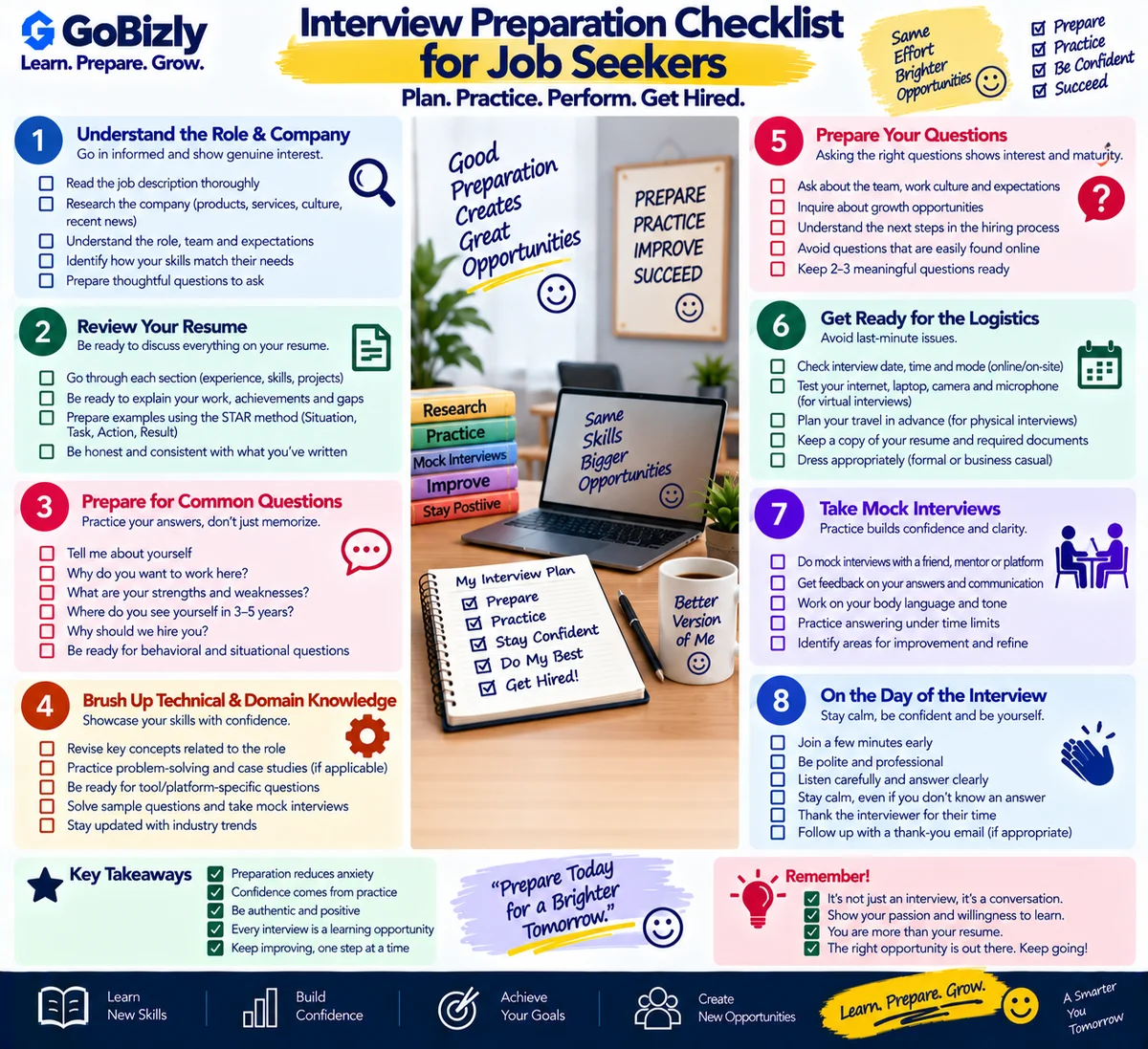
8. Review the Template on Different Devices
Before sending your resume, open the final file on:
Laptop
Desktop
Phone
Check whether:
Text is readable
Sections are aligned
Links work
Page breaks look correct
No content has been cut off
9. Save an Editable Master Copy
Keep an editable version of your resume.
For example:
Praveen_Master_Resume.docx
Then create role-specific versions:
Praveen_Programmatic_Resume.pdf
Praveen_Digital_Marketing_Resume.pdf
This makes future customization easier.
10. Don't Over-Design Your Resume
The goal of a resume is communication.
Your template should support:
Readability
Organization
Professional presentation
Relevant information
It should not compete with the content.
Template Selection Checklist
Appropriate for your experience level
Suitable for your target industry
Easy to read
Clear section structure
Enough space for relevant experience
No unnecessary graphics
Placeholder content removed
Sections customized
Summary customized
Experience customized
Final PDF checked
Conclusion
A resume template can make the starting process easier, but your content is what makes the document useful.
Choose a clean structure, customize every relevant section and remove anything that doesn't contribute to your professional story.
Learn. Prepare. Grow.