How Students Can Use AI for Learning and Productivity
How Students Can Use AI for Learning and Productivity
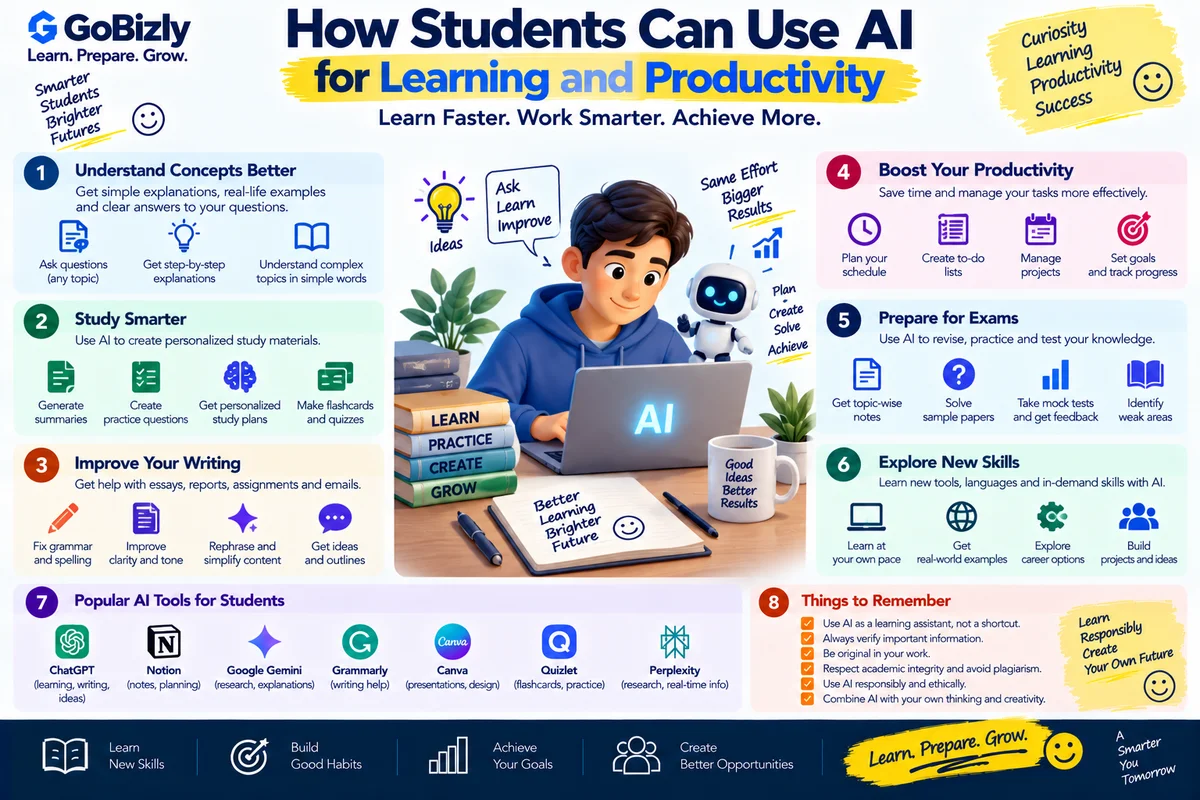
AI can be a useful learning assistant when it is used to understand concepts, organize information and practice skills.
However, using AI effectively is different from simply asking it to complete an assignment.
Students should use AI to learn better, not replace their own thinking.
1. Use AI as a Study Assistant
You can ask AI to explain a difficult concept in simpler language.
For example:
"Explain opportunity cost to a first-year business student with a simple example."
You can then ask follow-up questions until the concept becomes clear.
2. Ask for Different Explanations
If you don't understand an explanation, ask AI to explain it differently.
Try:
Explain it simply.
Give me a real-world example.
Explain it step by step.
Compare it with a similar concept.
Explain it as if I'm a beginner.
This can make learning more interactive.
3. Create Study Plans
AI can help organize a study schedule.
Provide:
Subjects
Available time
Exam date
Current preparation level
Topics remaining
The output should be treated as a starting plan and adjusted to your actual schedule.
4. Generate Practice Questions
AI can create practice questions based on a topic.
For example:
"Create 20 beginner-level questions on quantitative aptitude covering percentages and ratios."
You can then attempt the questions independently.
5. Practice With Quizzes
AI can act as a quiz partner.
A useful instruction is:
"Ask me one question at a time. Don't show the answer until I respond. After each answer, explain what I got right or wrong."
This creates an interactive practice session.
6. Improve Your Notes
You can use AI to organize your own notes.
For example:
Raw notes
→ Key concepts
→ Definitions
→ Examples
→ Revision questions
→ Summary
This can make revision easier.
7. Brainstorm Ideas
AI can help generate ideas for:
Projects
Presentations
Assignments
Research topics
Events
Content
Don't automatically accept every idea.
Evaluate which ideas are relevant and realistic.
8. Prepare Presentations
AI can help structure a presentation.
A basic structure could be:
Introduction
Problem
Key concepts
Examples
Analysis
Conclusion
You should still verify the content and adapt it to your assignment requirements.
9. Improve Writing
AI can help identify:
Grammar issues
Unclear sentences
Repetition
Structure problems
For academic work, follow your institution's rules regarding AI-assisted writing.
10. Learn Through Examples
When studying theory, ask AI for practical examples.
For example:
"Explain the 4Ps of marketing using a small online business as an example."
Examples can help connect abstract concepts with real situations.
11. Use AI for Research Support
AI can help you:
Generate research questions
Organize topics
Identify areas to investigate
Summarize information you provide
But important research should be verified using reliable sources.
Don't treat an AI-generated citation or factual claim as automatically accurate.
12. Prepare for Exams
AI can help create:
Revision plans
Flashcards
Practice questions
Topic summaries
Mock tests
A useful workflow is:
Learn → Practice → Test → Review → Repeat
13. Learn Languages
AI can support language learning through:
Vocabulary practice
Conversation practice
Grammar explanations
Translation exercises
Writing feedback
Practice should include active use rather than only reading AI-generated answers.
14. Improve Communication Skills
Students can practice:
Interviews
Presentations
Group discussions
JAM topics
Professional emails
For example:
"Give me a JAM topic and allow me one minute to answer. Then evaluate my structure."
15. Use AI for Career Preparation
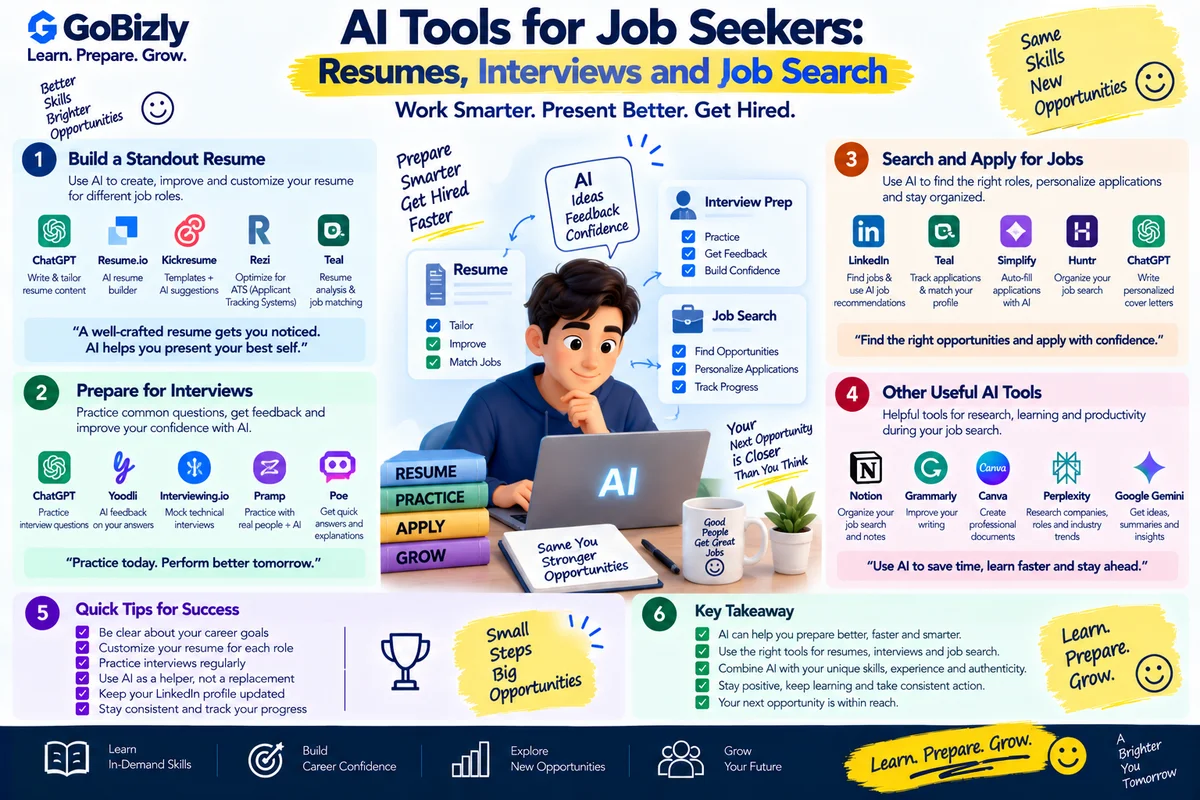
Students can also use AI to:
Review resumes
Practice interview questions
Prepare introductions
Research career paths
Draft professional emails
Practice communication
The student should remain responsible for the accuracy and authenticity of the final material.
16. What Students Should Avoid
Don't use AI to:
Submit completely generated assignments as your own
Invent references
Fabricate research
Avoid learning the underlying concept
Share unnecessary personal information
Always follow your institution's academic integrity policies.
17. A Practical Student AI Workflow
Understand the topic
↓
Ask AI for an explanation
↓
Study reliable material
↓
Practice independently
↓
Use AI for feedback
↓
Verify important information
↓
Create your own final answer
This approach keeps learning at the center.
Student AI Checklist
☐ Use AI for explanations
☐ Create study plans
☐ Generate practice questions
☐ Practice quizzes
☐ Organize notes
☐ Brainstorm ideas
☐ Improve writing
☐ Practice communication
☐ Prepare for interviews
☐ Verify important information
☐ Follow academic policies
☐ Protect personal information
Conclusion
AI can become a useful study partner when students use it to understand, practice and improve.
The goal shouldn't be to do less thinking.
The goal should be to make learning more interactive and productive.
Use AI to strengthen your skills—not replace them.
Learn. Prepare. Grow.