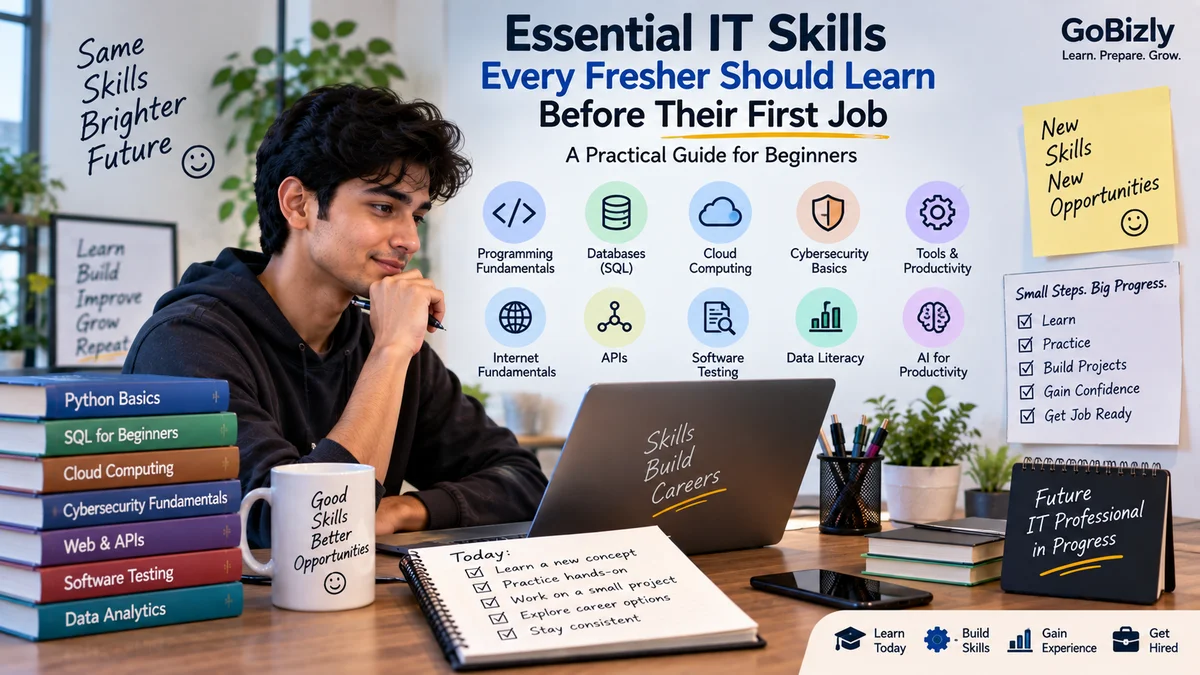
Essential IT Skills Every Fresher Should Learn Before Their First Job
Essential IT Skills Every Fresher Should Learn Before Their First Job
Technology is part of almost every modern workplace.
You don't necessarily need to become a software developer to benefit from understanding technology. Whether you're interested in software, data, digital marketing, business, operations or another professional field, basic technology knowledge can help you work more effectively.
For students and freshers, the challenge is deciding what to learn first.
There are thousands of technologies, programming languages, tools and platforms available. Trying to learn everything at once can quickly become overwhelming.
Instead, focus on building a strong foundation and then develop skills relevant to the career path you want to pursue.
This guide covers important technology and IT skills that can help freshers build a practical foundation.
1. Start With Digital Fundamentals
Before learning advanced technologies, make sure you understand basic computer concepts.
You should be comfortable with:
Operating systems
Files and folders
Browsers
Cloud storage
Software installation
Basic troubleshooting
Internet concepts
Online security
Productivity applications
These may seem basic, but they form the foundation for working with more advanced technology.
You should also understand how computers connect to networks and how applications use the internet at a basic level.
2. Learn How the Internet Works
You don't need to become a network engineer to understand internet fundamentals.
Start with concepts such as:
Websites
Web browsers
Servers
Domains
URLs
IP addresses
DNS
HTTP and HTTPS
APIs
Understanding these concepts makes many other areas of technology easier to learn.
For example, if you understand how a browser communicates with a server, concepts related to websites, APIs and web applications become easier to understand.
3. Learn Basic Programming Concepts
Even if you don't plan to become a programmer, basic programming knowledge can improve problem-solving skills.
Start with concepts such as:
Variables
Data types
Conditions
Loops
Functions
Arrays
Objects
Error handling
Basic algorithms
You don't need to learn several programming languages at the beginning.
Choose one language and focus on understanding the fundamentals.
Common starting options include:
Python
Java
JavaScript
C++
The best choice depends on your career direction and learning goals.
4. Understand Databases
Data is used by almost every modern application and organization.
Start by understanding:
What a database is
Tables
Rows
Columns
Primary keys
Relationships
Queries
Basic database operations
SQL is particularly useful because it is widely used for working with relational databases.
Start with basic operations such as:
SELECT
WHERE
ORDER BY
GROUP BY
JOIN
INSERT
UPDATE
DELETE
You don't need to become a database administrator to benefit from SQL.
Basic database knowledge can be useful for developers, analysts, testers, marketers and many other professionals.
5. Learn Version Control
If you work in software or technical teams, you'll likely encounter version control.
Git is one of the most widely used version control systems.
Understand concepts such as:
Repository
Commit
Branch
Merge
Pull
Push
Clone
Pull request
You don't need to memorize every Git command.
Focus first on understanding why version control exists and how teams use it.
6. Understand Cloud Computing
Cloud computing has become an important part of modern IT environments.
You don't need to immediately become an expert in AWS, Microsoft Azure or Google Cloud.
Start by understanding:
What cloud computing means
Servers
Storage
Databases
Virtual machines
Containers
Scalability
Availability
Cloud services
You should also become familiar with the basic service models:
IaaS
Infrastructure as a Service.
PaaS
Platform as a Service.
SaaS
Software as a Service.
Understanding these concepts provides a foundation for exploring cloud technologies later.
7. Learn Basic Cybersecurity
Cybersecurity isn't only the responsibility of security professionals.
Every employee who uses technology should understand basic security practices.
Learn about:
Strong passwords
Multi-factor authentication
Phishing
Malware
Social engineering
Data privacy
Secure browsing
Software updates
Access control
For example, knowing how to identify a suspicious email can help prevent security incidents.
Security awareness is useful regardless of your job title.
8. Understand APIs
An API, or Application Programming Interface, allows software systems to communicate with each other.
You don't need to become an API developer to understand the concept.
Learn:
What an API does
Requests
Responses
Endpoints
HTTP methods
JSON
Authentication
Status codes
For example, a website might request information from another service through an API and receive a response containing structured data.
Understanding APIs becomes particularly useful when working with integrations and modern applications.
9. Learn Basic Troubleshooting
Technical professionals are not the only people who need troubleshooting skills.
Develop a structured approach to problems.
Instead of immediately trying random solutions, ask:
What exactly is happening?
When did it start?
What changed?
Can I reproduce the issue?
What evidence do I have?
What can I test?
Did the solution work?
This approach can be applied to:
Software problems
Website issues
Data problems
Tracking issues
Login problems
Application errors
Good troubleshooting is often about asking the right questions before making changes.
10. Understand Software Testing Basics
Testing helps identify problems before software reaches users.
Freshers interested in software or quality assurance should understand concepts such as:
Test cases
Test scenarios
Bugs
Regression testing
Functional testing
User acceptance testing
Test environments
You don't need to learn every testing framework immediately.
Start by understanding why testing is performed and how a basic testing process works.
11. Learn Productivity Tools
Technology skills aren't limited to programming.
Most professionals use productivity tools every day.
Become comfortable with:
Word processing
Spreadsheets
Presentations
Email
Calendar tools
Collaboration platforms
Cloud storage
For spreadsheets, consider learning:
Formulas
Sorting
Filtering
Conditional formatting
Lookup functions
Pivot tables
Basic charts
These skills can be useful across many careers.
12. Develop Data Literacy
You don't have to become a data scientist to work effectively with data.
Develop basic data literacy.
Learn how to:
Read tables
Understand charts
Identify trends
Compare values
Calculate basic metrics
Question unusual results
Present information clearly
For example, if someone gives you a dashboard showing monthly performance, you should be able to identify the main trends and ask relevant questions.
13. Learn How AI Fits Into Modern Work
AI is increasingly becoming part of education and professional workflows.
Freshers can learn how to use AI tools for:
Learning
Research
Brainstorming
Writing
Coding assistance
Data analysis
Productivity
Interview preparation
However, using AI effectively requires judgment.
Don't simply copy an AI-generated answer.
Check:
Accuracy
Context
Sources where appropriate
Privacy
Relevance
The goal is to use AI as a productivity and learning tool while maintaining your own understanding.
14. Learn Basic Problem-Solving
Technical knowledge is useful, but problem-solving is equally important.
When you encounter a problem:
Define
Clearly identify the problem.
Break Down
Divide it into smaller parts.
Investigate
Collect information and evidence.
Test
Try a reasonable solution.
Evaluate
Check whether it worked.
Improve
Adjust the approach if necessary.
This process can be applied to technical and non-technical problems.
15. Choose Skills Based on Your Career Path
You don't need to learn every technology mentioned in this article.
Your learning priorities should depend on your target role.
Software Development
Focus on:
Programming
Data structures
Databases
Git
APIs
Testing
Data Analytics
Focus on:
Excel
SQL
Statistics
Data visualization
Python
Business analysis
Cybersecurity
Focus on:
Networking
Operating systems
Security fundamentals
Identity and access
Security tools
Digital Marketing
Focus on:
Analytics
Tracking
Advertising platforms
Tag management
Data interpretation
Marketing technology
Business and Operations
Focus on:
Excel
Data literacy
Productivity tools
Business systems
Process understanding
Basic technology concepts
Your target career should determine what you learn deeply.
A Practical IT Learning Roadmap
You can think about your learning journey in five stages.
Stage 1 — Digital Fundamentals
Learn how computers, applications and the internet work.
↓
Stage 2 — Technical Foundations
Learn programming, databases and basic troubleshooting.
↓
Stage 3 — Tools
Learn tools relevant to your career.
↓
Stage 4 — Projects
Apply your knowledge through practical work.
↓
Stage 5 — Specialization
Choose an area and develop deeper skills.
This approach is generally more manageable than trying to learn every technology simultaneously.
Build Projects Instead of Only Watching Courses
Courses can introduce concepts, but projects give you an opportunity to apply them.
For example:
Programming
Build a simple application.
SQL
Analyze a sample dataset.
Data Analytics
Create a dashboard.
Web Development
Build a simple website.
Cybersecurity
Practice security concepts in an appropriate learning environment.
Cloud
Deploy a small learning project using a cloud platform.
Document what you built and what you learned.
This gives you something concrete to discuss during interviews.
How to Show IT Skills on Your Resume
Don't simply create a huge list of technologies.
Group your skills logically.
For example:
Programming: Python, Java
Database: SQL
Tools: Git, Excel
Cloud: AWS fundamentals
Analytics: Power BI
Only include technologies that accurately represent your knowledge.
For important skills, be prepared to explain:
What the technology does
Why you used it
How you used it
What you learned
Common Mistakes Freshers Make
Trying to Learn Everything
Technology is too broad to master everything.
Collecting Certifications Without Practice
Certificates can support your learning, but practical understanding matters.
Learning Without Building
Try to apply what you learn.
Ignoring Fundamentals
Advanced tools are easier to understand when your foundation is strong.
Following Every Technology Trend
Not every new technology needs to become your next learning priority.
Adding Skills You Don't Know
Your resume should accurately represent your capabilities.
Avoiding Problem Solving
Don't rely entirely on tutorials. Try to solve problems independently.
Essential IT Skills Checklist
☐ Understand basic computer concepts
☐ Understand internet fundamentals
☐ Learn basic programming concepts
☐ Understand databases
☐ Learn basic SQL
☐ Understand version control
☐ Learn cloud fundamentals
☐ Understand cybersecurity basics
☐ Understand APIs
☐ Develop troubleshooting skills
☐ Learn basic software testing concepts
☐ Improve spreadsheet skills
☐ Develop data literacy
☐ Understand practical AI usage
☐ Build at least one practical project
☐ Choose a specialization based on your career goal
Conclusion
You don't need to know every technology before starting your first job.
What matters is building a strong foundation, understanding the tools relevant to your career and developing the ability to learn new technologies as your career evolves.
Start with the fundamentals.
Choose a direction.
Practice consistently.
Build projects.
Learn from problems.
Then gradually specialize.
Technology changes continuously, so one of the most valuable skills you can develop is the ability to keep learning.
Build the foundation. Practice the skills. Stay curious. Keep growing.
Learn. Prepare. Grow.